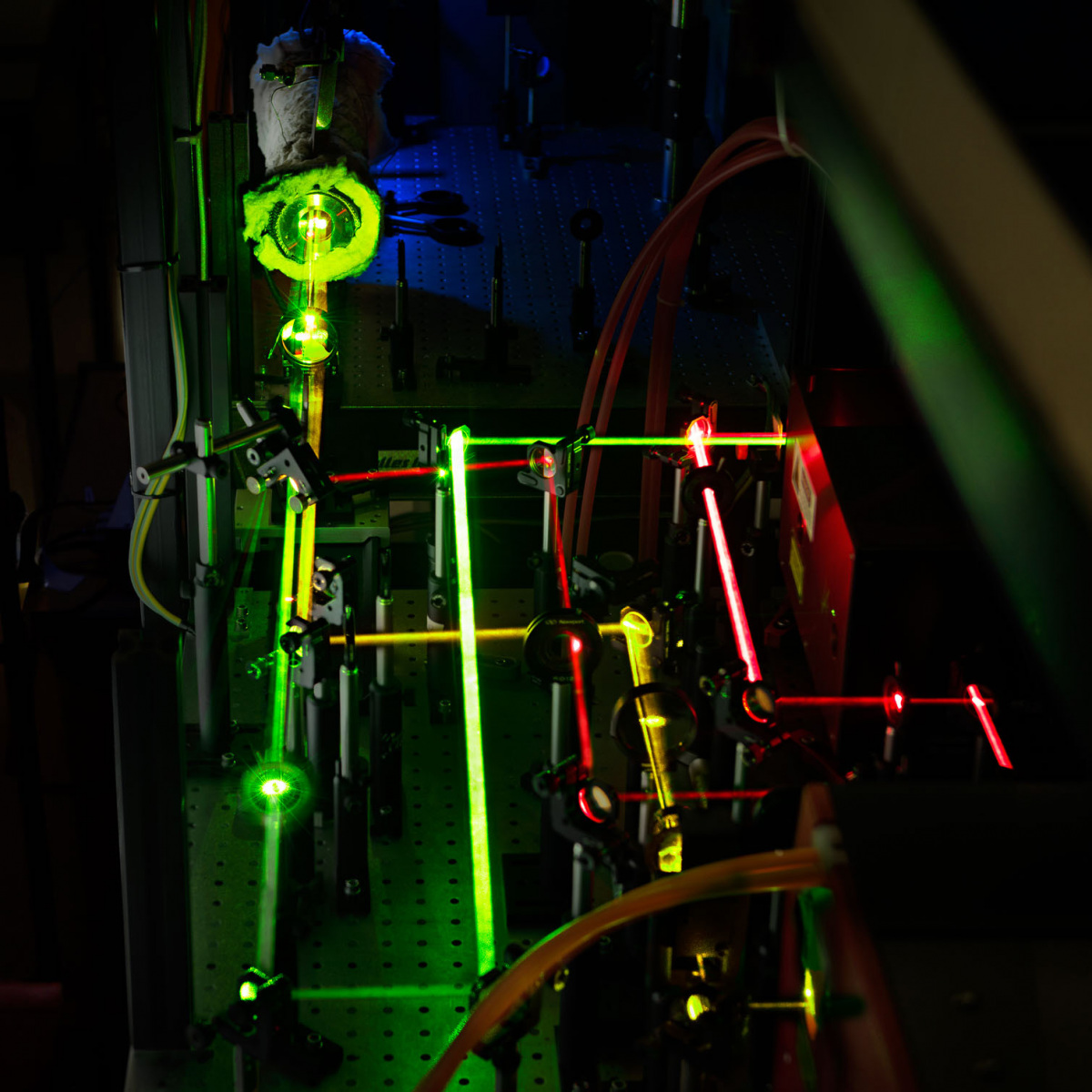
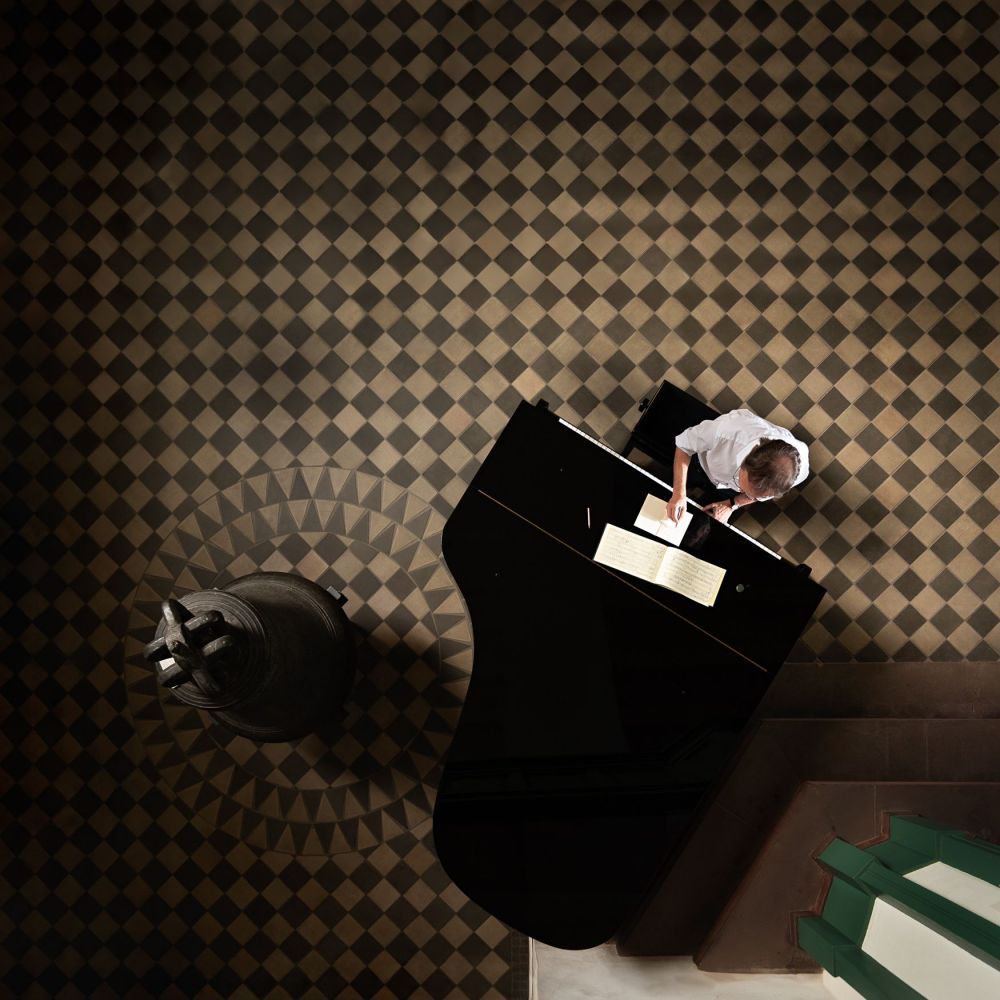
The Electrical Engineering Department at Universität Siegen asked me to shoot marketing material for their bachelor and master programmes – seven stations, two clean rooms, somewhere between two and five motifs each. I shot alongside videographer Manuel Rueda, which meant I had to stay nimble enough not to slow him down. My usual setup – manual flash, considered lighting, repeatable output – wasn’t the right tool for that pace. So for the first time on a research and university shoot I went TTL, running three Nikon SB-800s with a D850.
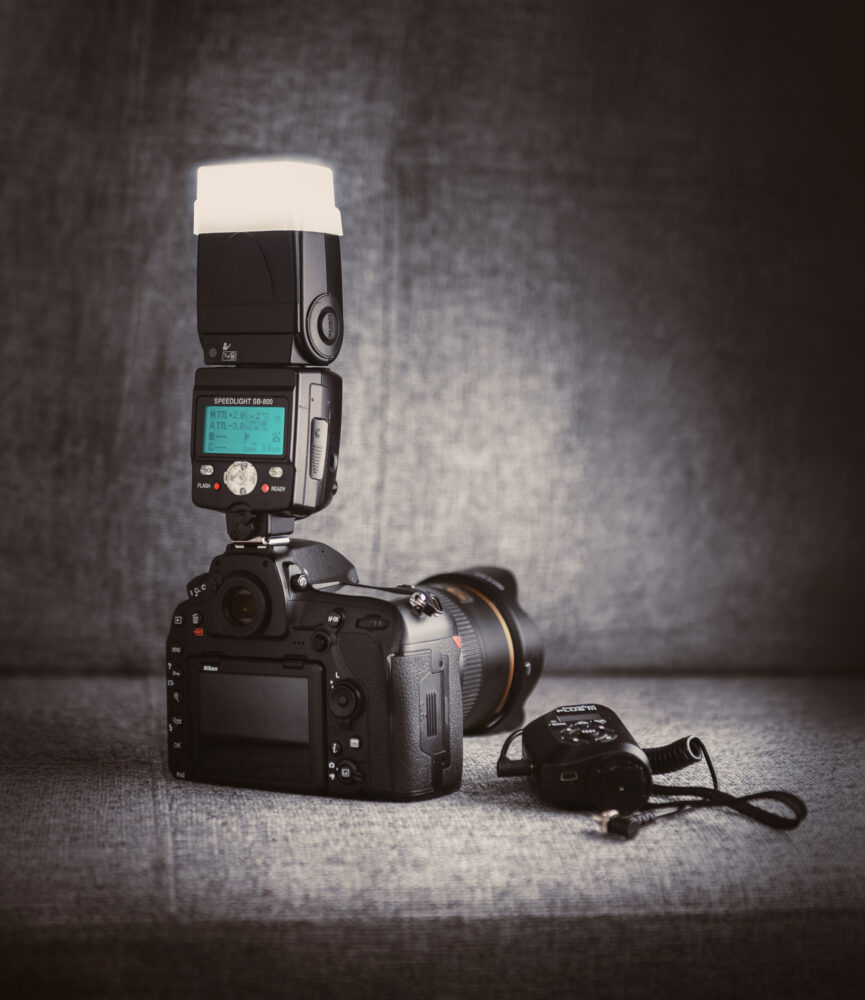
The SB-800 is famous for being compact, delivering the highest guide number of any Nikon speedlight, and has a reputation for reliable output. It also has a reputation for a complex menu structure. The last station of the day was a GTEM cell – a Gigahertz Transversal Electromagnetic Cell that generates a far field with electric and magnetic components perpendicular to the direction of propagation. I wanted to light the inside of it meaning no optical line of sight, no TTL. Pocket Wizards out and quickly switching back to manual. Only nothing is quick with that SB-800 menu – it requires either deep routine or patient attentiveness, and at the end of a long day I had neither. So here’s my reference sheet for the future.
TTL & Nikon’s Creative Lighting System (CLS) with SB 800s
How to set up the remote unit?
Do this first. You can then forget about it and control it from the master.
A) How to make it remote?
- Switch on with ON/OFF button
- Hold SEL to enter menu
- Navigate to “snake arrows attacking speedlights” icon
- Press SEL, use +/- to navigate to “Remote” on the right, press SEL again to enter
- Exit Menu pressing ON/OFF
B) How to assign channel and group?
- Cycle between “Channel” and “Group” with SEL
- Use +/- to select them
- All Flashes need to be on the same channel
- Within the channel you can have three groups A, B and C which you can control separately from the master.
How to set up the master unit?
A) How to make it master?
- Switch on with ON/OFF button
- Hold SEL to enter menu
- Navigate to “snake arrows attacking speedlights” icon
- Press SEL, use +/- to navigate to “Master” on the right, press SEL again to enter
- Exit Menu pressing ON/OFF
B) How to Control the Setup from the master unit?
- Press SEL to cycle through the options
- Groups on the left:
- M for Master,
- Group A
- Group B
- Group C
- On the right:
- Channel: pick the one matching remote units
- F: Difficult to find out what this does. Apparently if you are using Non-TTL Auto, GN mode, or in some wireless remote setups: to get correct exposure, the aperture set on the flash must match the aperture set on your camera lens. i-TTL should take care of it automatically though.
- Groups on the left:
- For each group (Master being its own), pick a Mode by pressing MODE
- —: will not fire on exposure, often good for on camera Master
- TTL: “Through the Lens”. Camera meters scene through the lens, flash units fire accordingly. use +/- buttons to adjust output up or down in stops
- AA: Auto Aperture. The flash meters itself (see below).
- M: Manual. Love this. You can remotely control your units manually!
Using the SB 800 fully manually
How to make it an optical slave or accept radio triggers (like Pocket Wizards)?
The “SU-4”-Mode. Optical needs Line-of-Sight, Radio doesn’t.
- Switch on with ON/OFF button
- Hold SEL to enter menu
- Navigate to “snake arrows attacking speedlights” icon
- Press SEL, use +/- to navigate to “SU-4” on the right, press SEL again to enter
- Exit Menu pressing ON/OFF
Which Settings?
MODE cycles in between M (for Manual) and A (for auto)
- In M use +/- to adjust output (in 1/3 stop increments and the trees to zoom the flash head.
- A does the same as described above: the flash meters itself (see below for notes on auto)
Notes
Camera Settings
None necessary on the d850. Flash unit controls everything.
Positioning
Rotate the flash body so the red sensor window faces the camera to ensure it receives the Master’s light pulses.
Understanding “Auto Aperture”
AA-mode is a legacy “automatic” mode from before cameras and flashes talked to each other as well as they do now.
How it works: Instead of the camera measuring the light through the lens (TTL), the slave flash uses its own built-in light sensor (the small circular window on the front) to decide when to stop firing.
The Problem: The flash doesn’t know what your camera sees. If you have two flashes in AA mode, they can “blind” each other. Flash A sees the light from Flash B, thinks the room is bright, and shuts off prematurely, leaving your subject underexposed.
When to use it: Only if TTL is consistently failing you due to a very complex or reflective scene (like shooting into a mirror) and you don’t have time to dial in Manual settings.
Standby/Waking up
If in standby, the unit will wake up if you fire. If you want to adjust settings, press the red FLASH button to wake it up
Zoom Buttons
Not functional with the stofen.